
In Short
We look at "Title and description for service pages: how to avoid duplicates" without needless theory: when it matters for a business, what to clarify in advance, and which mistakes are easier to prevent before development starts.
- SEO preparation is needed so both search engines and users understand what the page is about and which task it solves.
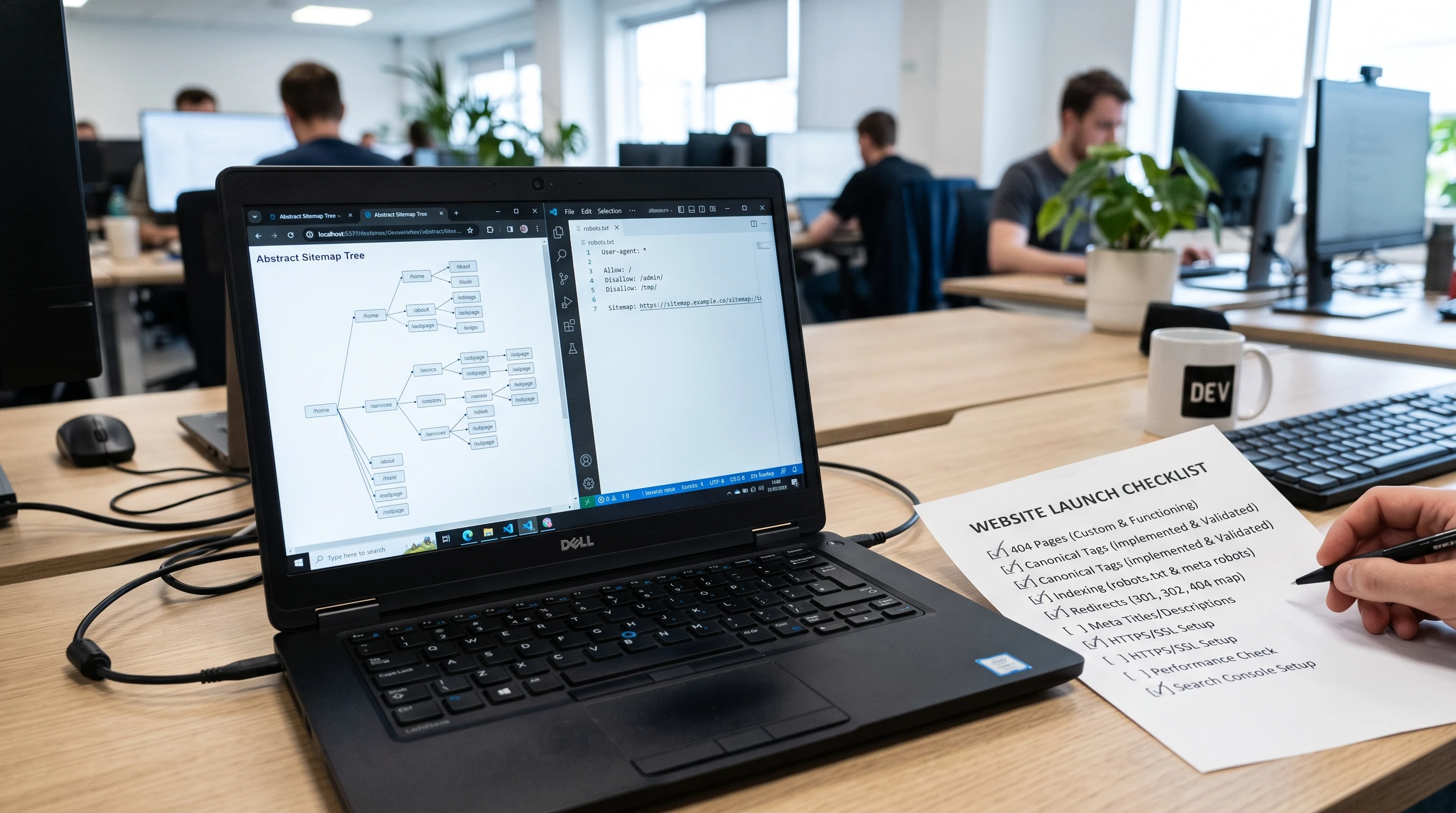
- Before publication, check title, description, URL, image, alt text, internal links, sitemap, and robots.txt.
- After launch, watch indexing and page quality instead of publishing materials without control.
Who this article is for
This material is useful if you want to make a decision before work starts, not sort out details after payment.
- a website owner preparing pages for launch and indexing
- an editor or specialist responsible for SEO section quality
- a developer who needs to remember technical checks before publication
What the Topic Includes
This is not a universal checklist for decoration, but a practical set of questions to close before development or publication.
- Checking page intent: which user question the page answers.
- Unique title and description without duplicates across pages.
- Readable URL, relevant image, alt text, and an internal link to a related service or material.
- Sitemap, robots.txt, canonical, and basic structured data where appropriate.
- Post-publication control: indexing, excluded pages, clicks, impressions, and text quality.
Practical Example
For example, before publishing an article, check the whole page, not just the text: title differs from H1, description explains the value, image matches the topic, URL is readable, the material is in the sitemap, and the page is not blocked from indexing by accident.
Common Mistakes
- Writing a page only for a keyword without answering a real user question.
- Duplicating title, description, and structure across dozens of materials.
- Publishing many pages without checking indexing, quality, and internal links.
- Using images as decoration instead of part of the page topic.
Timeline, Price, and Limits
An exact estimate cannot be named honestly from an article title alone. But you can understand in advance what affects the work scope most.
- SEO impact cannot be guaranteed by one title edit or one article publication.
- Indexing depends on page quality, technical availability, internal structure, and overall site value.
- Mass publishing without control can make a section low-value even if pages are formally unique.
Checklist Before the Start
Conclusion
The main point of "Title and description for service pages: how to avoid duplicates" is not the term itself, but a controllable result. The earlier you define the goal, input data, limits, and acceptance criteria, the lower the risk of receiving work that is formally done but does not help the business.
If the task is close to yours, start with a short description: what exists now, what should happen, and which examples you like. This is enough to suggest the first realistic step.